Vectorize Image — Free, in Your Browser
Drop a PNG, JPG or WebP and get a scalable SVG in seconds. The whole tracing engine runs locally on your device — your file never leaves the browser.
Your image never leaves your browser.No uploadNo sign-upNo watermarkFree forever
Looking for the dedicated converter? /convert-image-to-vector-free →
Drop an image here, or click to choose
PNG, JPG, WebP up to 10 MB · 100% in your browser
Advanced
Fine-tune only if the SVG looks too noisy, too flat, or too large.
Real output, traced in the browser
Same engine, same presets you get on this page.

Source image generated for demo purposes.
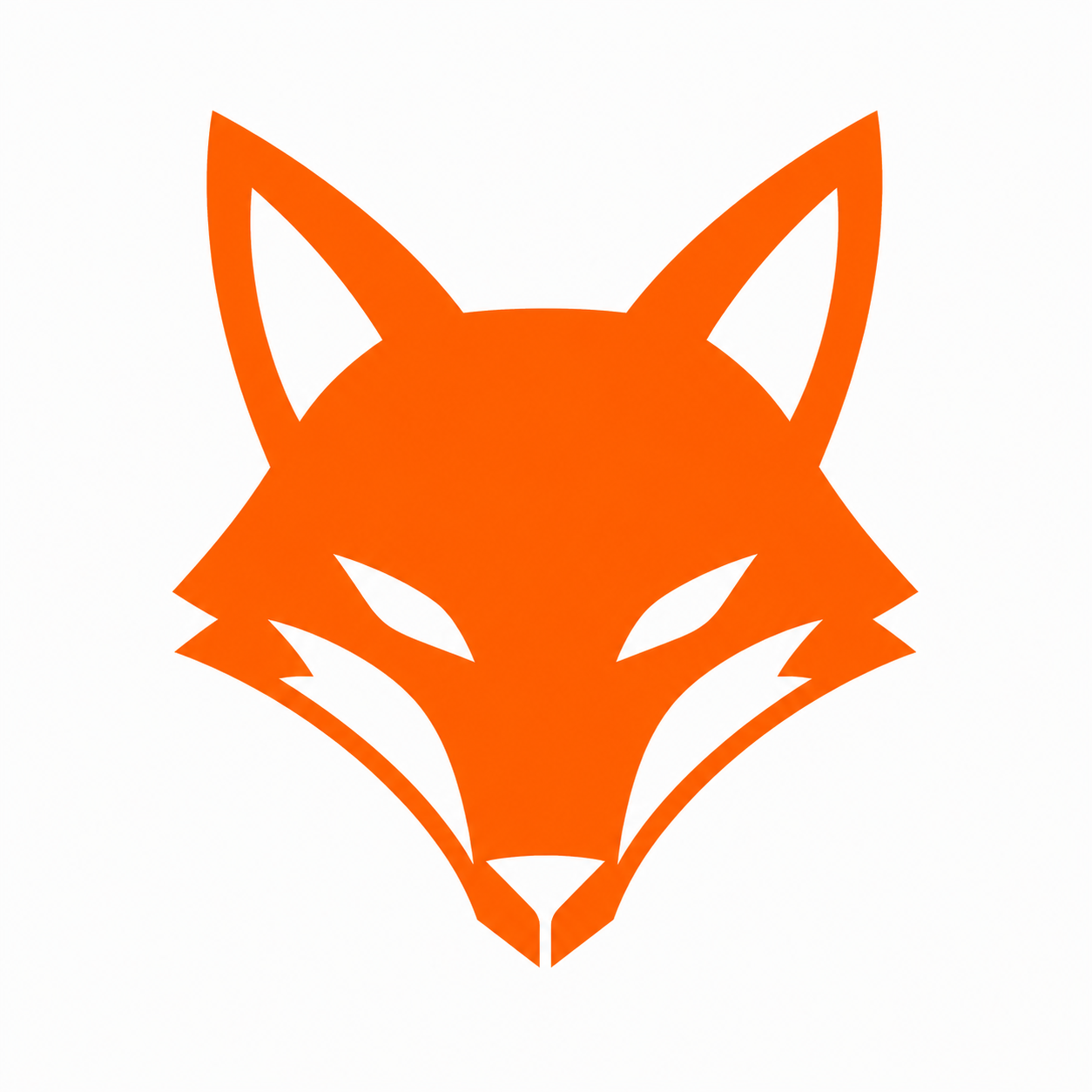
Source image generated for demo purposes.
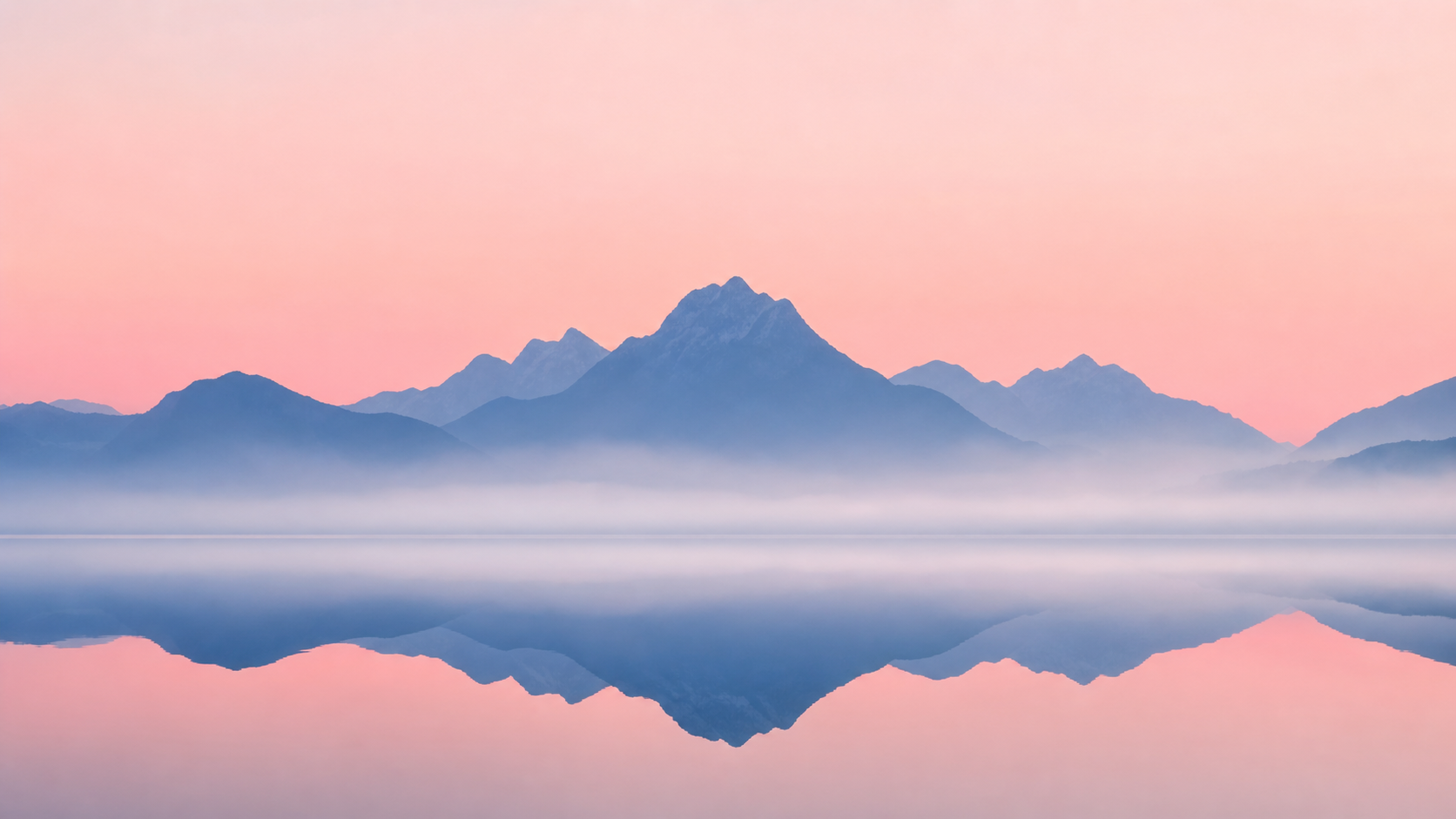
Source image generated for demo purposes.
Honest note: vector tracing approximates raster pixels. Logos and line art match very closely; photographs become posterized — that is an algorithmic ceiling, not a bug.
Choose a PNG, JPG or WebP up to 10 MB.
Pick a preset and we trace it locally.
Get a clean, scalable SVG file.
Built for these jobs
Common reasons people vectorize images.
- Etsy & print-on-demand
Sharp artwork at any product size, ready for Printful or Printify.
- Laser engraving artwork
Prepare clean SVG artwork from sketches and logos, then review paths in your production software.
- Logo redraw
Resurrect old logos from low-res raster files for modern brand use.
- Designers & educators
Skip the Adobe seat — get a clean SVG to drop into Figma or slides.
vs other vector converters
| vectorize-image | Vector Magic | Vectorizer.AI | Adobe Express | |
|---|---|---|---|---|
| Free, unlimited | Yes | $7.95/file | Watermarked free tier | Adobe account required |
| Sign-up required | No | Yes | Yes | Yes |
| File leaves your device | No (browser-only) | Yes | Yes | Yes |
| Watermark on free output | No | – | Yes | No |
| Commercial use | Yours to use | Paid | Paid | Adobe terms |
| Output formats | SVG | SVG, PDF, EPS, AI | SVG, PDF, EPS | SVG, PNG |
Comparison reflects publicly listed plans at the time of writing. Verify on each site for current pricing.
Specialised tools
Same engine, presets and copy tuned for the most common jobs.
- Image to Vector — FreeGeneral-purpose, fully free converter.
- Vectorize PNGLogos and icons with transparency.
- PNG to SVG for CricutSVG artwork for Cricut, Etsy and sticker workflows.
- JPG to SVGStylized photos and scanned artwork.
- Logo VectorizerBrand-ready scalable logos.
- Signature to SVGConvert handwriting and scanned signatures to SVG.
- Sketch to SVGTurn drawings, outlines and line art into SVG paths.
Guides
FAQ
- What does it mean to vectorize an image?
- Vectorizing turns a pixel-based raster image (PNG, JPG, WebP) into a vector image (SVG) made of mathematically described shapes. The result scales to any size without blurring or pixelation.
- Is it really free with no sign-up?
- Yes. Unlimited conversions, no account, no watermark, no daily cap. The entire tracing engine runs in your browser via WebAssembly.
- Will my image be uploaded to a server?
- No. Open your browser's network panel — when you trace an image you will see zero outbound requests for the file. The bytes never leave your device.
- What input formats are supported?
- PNG, JPG and WebP up to 10 MB per file. Output is SVG. HEIC, PDF and EPS are not supported in the current version.
- How does the quality compare to Vectorizer.AI or Vector Magic?
- On logos, line art and flat illustrations the output is on par with paid services. On photographs no algorithm matches a paid AI service yet — for photos use the Sketch preset for a stylised look or stay with raster.
- Which preset should I pick?
- Logo: flat-color marks and icons. Sketch: one-color line art and signatures (smallest and fastest output). Photo: detailed multi-color images. You can switch and re-trace instantly.
- Can I use the SVG commercially?
- Yes. You own the input and the output. The conversion adds nothing — use the resulting SVG anywhere your source image is licensed.